
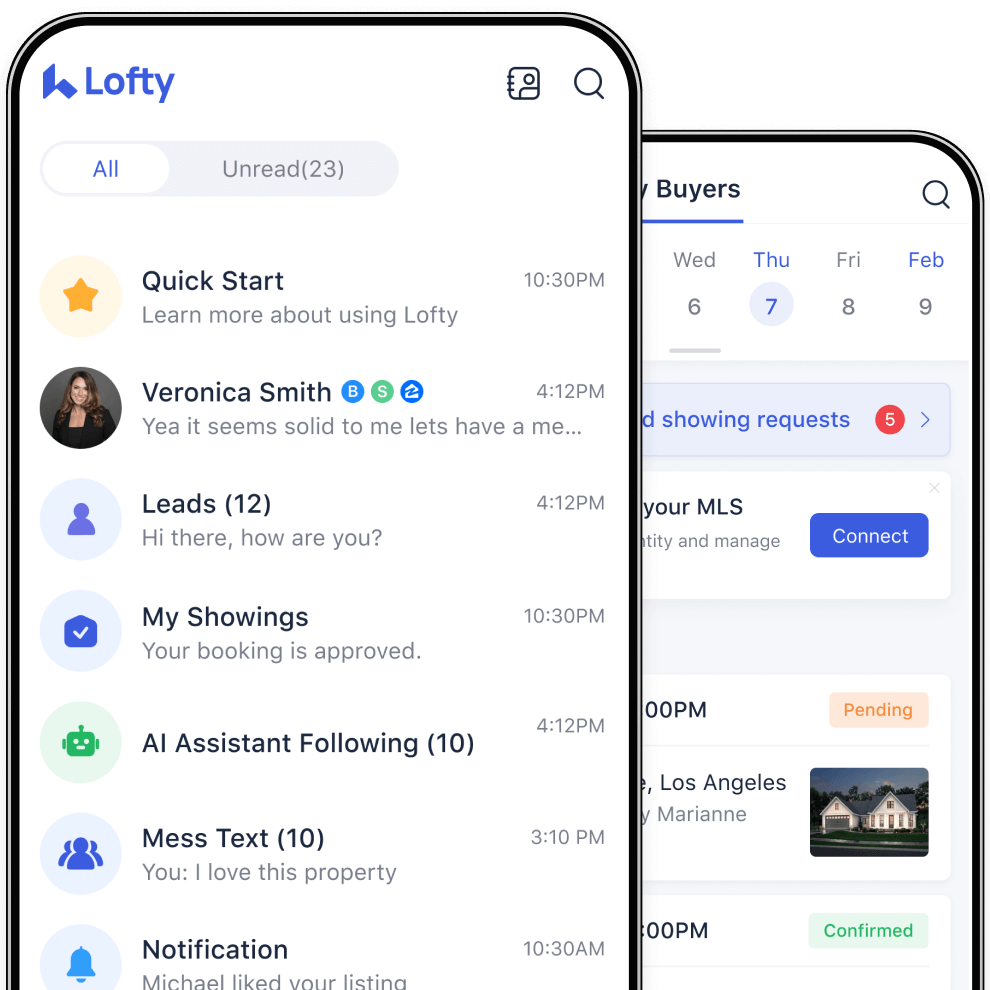
Custom Agents - handle the work, so you don't have to.
You do the same handful of tasks over and over every week. Build an AI agent to take one off your hands — it works inside your CRM and knows every client in it, so you set it up once and it just runs.
What would you use it for?
Here are the jobs people hand off first. See one that's yours? Start there.
Every Monday, flying blind
You start the week not knowing which deals are slipping — or who to call first.
Your agent scans your pipeline every Monday morning and hands you a short brief: who's gone quiet, what's at risk, who to call today.
The listing that's perfect for one buyer
A new listing is exactly what one of your buyers asked for months ago — but you're not watching the MLS the second it lands.
Your agent knows each buyer's must-haves, watches for the listing that fits, and texts that buyer a personal note on why it's right for them — the minute it goes live.
The leads who went quiet months ago
You've got hundreds of leads sitting cold — ones you already paid for — and no time to work back through them.
Your agent watches for leads gone cold, reaches back out with a message tuned to where each one left off, and hands the ones who reply straight back to you.
The price drop you hear about too late
A buyer's dream listing drops $15k — and you find out a week later, after they've already moved on.
Your agent watches price drops on the listings your buyers care about and texts the right buyer within minutes — while it still matters.
Those are just the popular ones. If it's repetitive and it lives in your CRM, a Custom Agent can take care of it.
Skip the code. Get set up in minutes.
You don't write any code or connect anything. Pick whichever way is easiest.
We're not stopping here—add one first, then more.
Most people start with the one job that bugs them most — then add another, and another. Each task becomes its own agent, all running in the background for you.
 Scheduled
 Running
 Running
 Running
 Running
Pick one job, then hand it off.
Pick the task you most wish would handle itself — you can have your first agent running today.
Build Your First Agent
-
What would I use a Custom Agent for?+ -
Any repetitive job that lives in your CRM. Common ones: matching a new listing to the exact buyer who's been waiting for it, re-engaging leads that went cold, texting buyers when a listing they like drops in price, or a Monday-morning brief on which deals are at risk. If you do the same thing every week, that's a candidate.
-
Do I need to know how to code?+ -
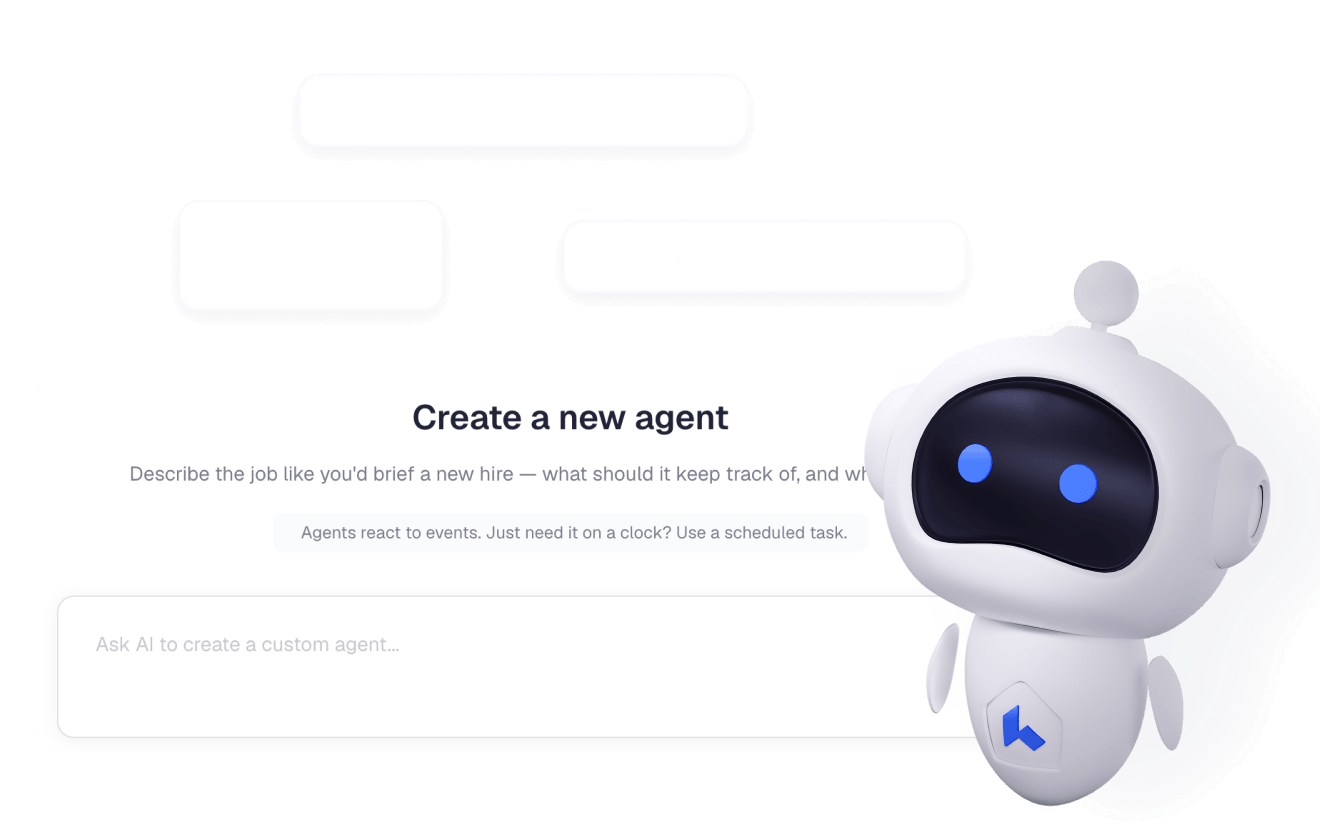
No. Start from a ready-made template, copy one a teammate built, or just describe the job in plain English and let Lofty build it for you to review and turn on. Most agents take a few minutes to set up.
-
How does an agent know when to run?+ -
You choose. An agent can run on a schedule — say, every Monday morning — when something happens in your CRM, like a lead going cold or a listing dropping in price, or whenever you start it yourself.
-
Does it work with my existing CRM data?+ -
Yes. A Custom Agent works with the records you already have in Lofty — there's nothing separate to import. That's how it can tailor each message to what a specific client actually wants. You can also attach documents or turn on feeds like MLS when a job needs them.
-
Can I build more than one?+ -
Most people do. Build one agent per repetitive job, and they all run in the background on their own — a small team of agents handling the routine so you don't have to.